Forum Replies Created
-
AuthorPosts
-
 deadrabbitParticipant
Hi fisherman,
thank you for your analysis. Unfortunately, I don’t know how to configure multiple virtual displays on the Proxmox/hypervisor level for use with NoMachine.
As a workaround, I’ve switched to using [removed], which natively supports multi-monitor setups in virtualized environments. However, I would much prefer to use NoMachine, as [removed] doesn’t come close to NoMachine’s performance – especially over slower network connections.
If anyone knows how to configure multiple virtual displays in Proxmox that NoMachine can detect, I’d really appreciate any hints.
Thanks for your help!
deadrabbitParticipantHi fisherman,
Thank you for asking me to clarify. Let me try to describe my goal more precisely:
What I’m trying to achieve:
I want to connect from my Windows client (with 2 physical monitors) to my headless Pop!OS server. I want both client monitors to appear as separate, independent displays on the server – as if two physical monitors were connected to the server. Pop!OS should recognize them as two separate screens (e.g., in the display settings), not as one large spanned desktop.What does NOT work for me:
Option 2 (Virtual Desktop) does not meet my requirements because it creates a separate virtual desktop session. However, I want to use the physical desktop session – just with multiple virtual displays.My specific question:
Is it possible with NoMachine Workstation to configure multiple virtual displays within the existing physical desktop session that can then be used by my multi-monitor client?If yes: How would I need to configure this? The guide I mentioned initially (https://github.com/fabienonwork/virtual_screen_with_nomachine) seems to go in this direction, but I couldn’t get it to work.
If no: Is this functionality perhaps available in another NoMachine product or planned for the future?
Thank you for your help!
MaximiliandeadrabbitParticipantHi,
i have checked the output of
xrand:`
❯ xrandr –query | grep ” connected\| disconnected”
Virtual-1 connected primary 1920×1080+0+0 0mm x 0mm
Virtual-2 disconnected
Virtual-3 disconnected
Virtual-4 disconnected
`If only one screen is shown, there is likely an issue with the Xorg configuration. Since you mentioned that you are using a NoMachine Workstation, one possible workaround is to log out from the physical desktop session and create a Virtual Desktop instead.
However, I do not want a second desktop session, as this behavior does not meet my requirements.
Therefore, I would like to reiterate my original question:
Is what I want even possible in general, and does anyone have such a setup in operation?
deadrabbitParticipantHi,
i’ve wrote you a e-mail with the log files.
deadrabbitParticipantSorry, here are the settings.
Attachments:
deadrabbitParticipantHi,
These are my settings on the client side:
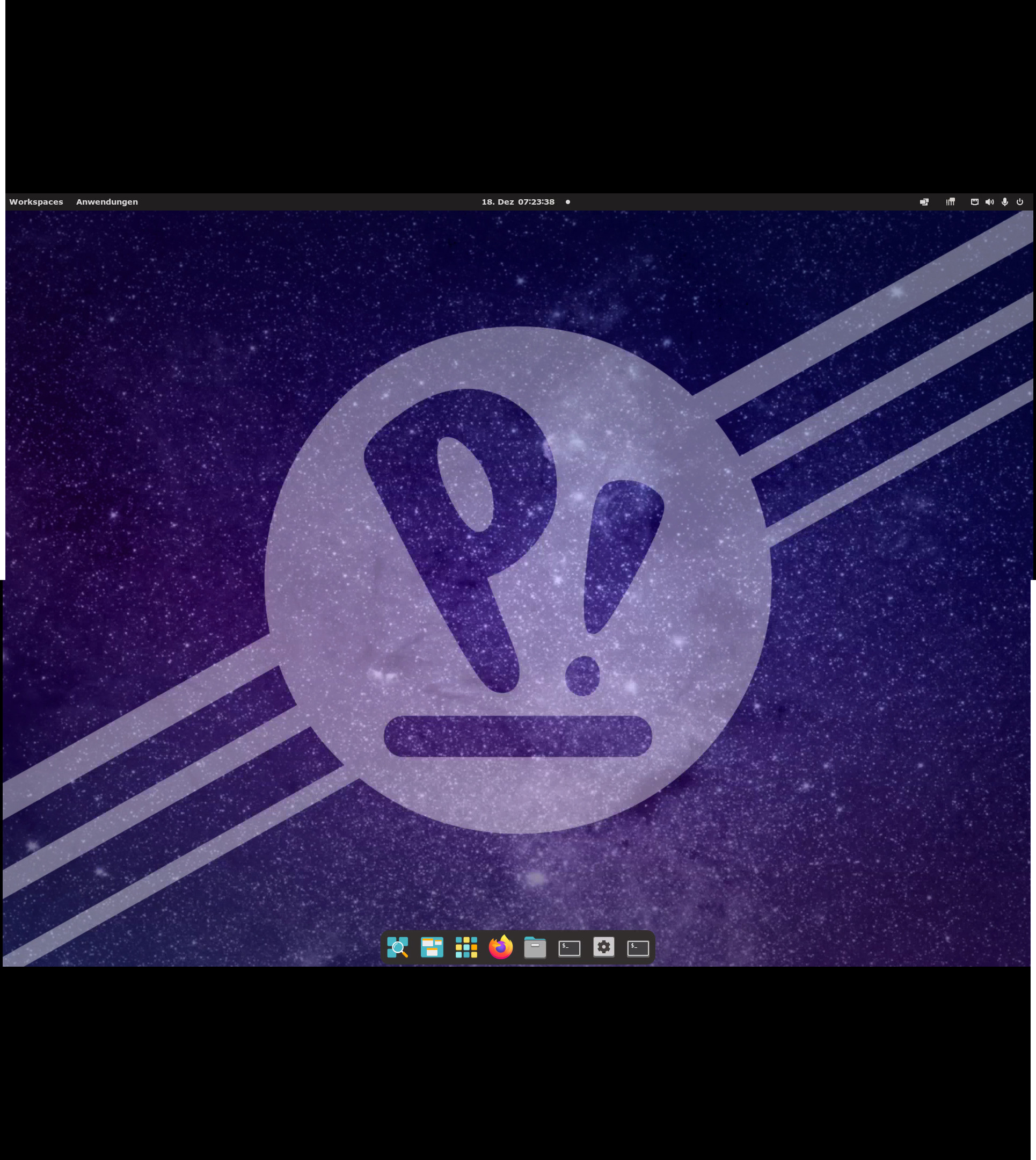
And this is what i get:
(see the second post, maximum file size…)The second screen starts in the in the middle of the height of the screenshot.
The pyhsically second display is located above the primary display.
deadrabbitParticipantdeadrabbitParticipantHi,
I’m able to connect. That’s not the problem.
I have two monitors connected to the client. I want to use both of them with the headless Pop! OS as two separate displays, not spanned.
Or in other words: I want Pop! OS to behave as if two physical monitors are connected.
Of course, I can provide a log file, but from my perspective, I’m at an earlier step: How do I need to configure NoMachine to get this behavior working?
-
AuthorPosts