Forum Replies Created
-
AuthorPosts
-
 pdbParticipant
Will try a newer version of Mate.
We are using RHEL8, and it seems there are no newer Mate versions on this distro.
So, we would first need to migrate to RHEL9. We are actually planning to do that anyway, but later this year.
Anyway, thanks for the support!pdbParticipantThanks, will try a different Mate version.
pdbParticipantFile attached.
Attachments:
pdbParticipantFile attached.
Attachments:
pdbParticipantUsing Mate, not Gnome.
gnome-extensions not found.pdbParticipantI am using Mate, and that article says: “As an alternative, you could choose to adopt a lightweight desktop which doesn’t exhibit this behaviour, for example MATE or Xfce. “…
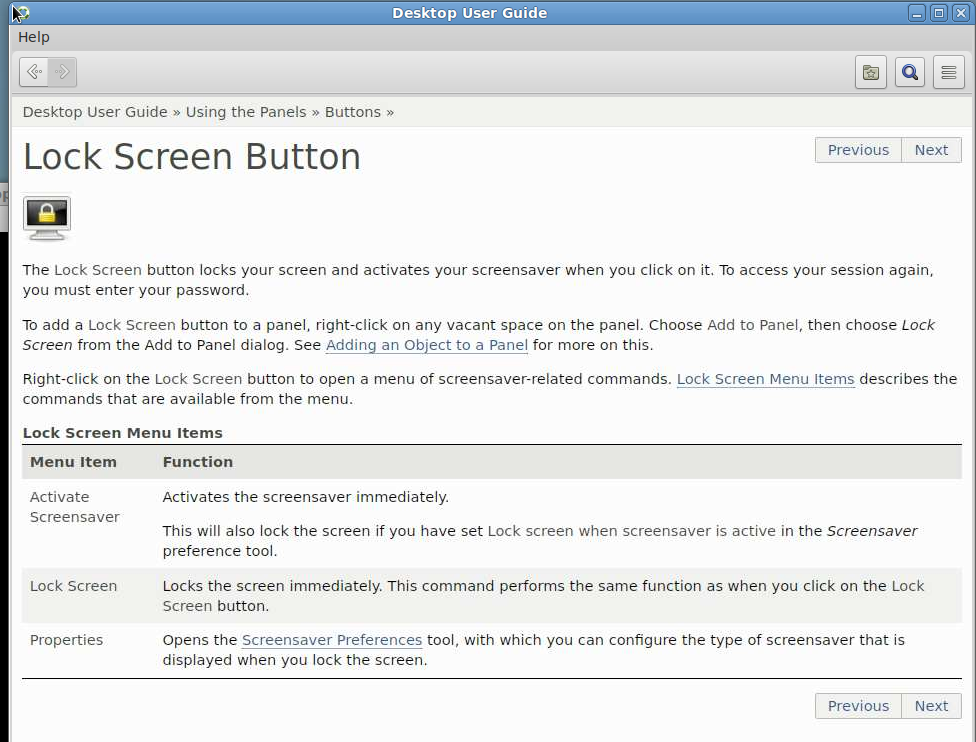
pdbParticipantRight click panel, Help, Buttons, Lock Screen Button.
Attachments:
pdbParticipantServer is on RHEL8.
Attachments:
November 4, 2025 at 10:58 in reply to: How to customize the Disconnect/Terminate/Cancel window? #54723pdbParticipantAfter retrying, it now worked for the user…
Thanks for the support!November 3, 2025 at 16:21 in reply to: How to customize the Disconnect/Terminate/Cancel window? #54711pdbParticipantThanks!
I have not actively enabled this setting, it is like this since we installed it.
I have now changed to dialog=0. It worked for me, but for a user who tried it, it did not work. Could that be related to versions? The server is v8, my client is v8, the client of the user who tried is v9.
Is there any way to configure this per user instead of a server setting that affects everyone?
March 10, 2025 at 16:20 in reply to: No Windows screen lock when NoMachine client on foreground #52187pdbParticipantTried, no success…
March 7, 2025 at 18:35 in reply to: No Windows screen lock when NoMachine client on foreground #52158pdbParticipantThanks for the suggestion. Tried it but it did not help.
It also happens when not in fullscreen mode.
pdbParticipantThanks a lot for the suggestion! It helped.
We will still contact Support because we are afraid this setting might affect performance. -
AuthorPosts